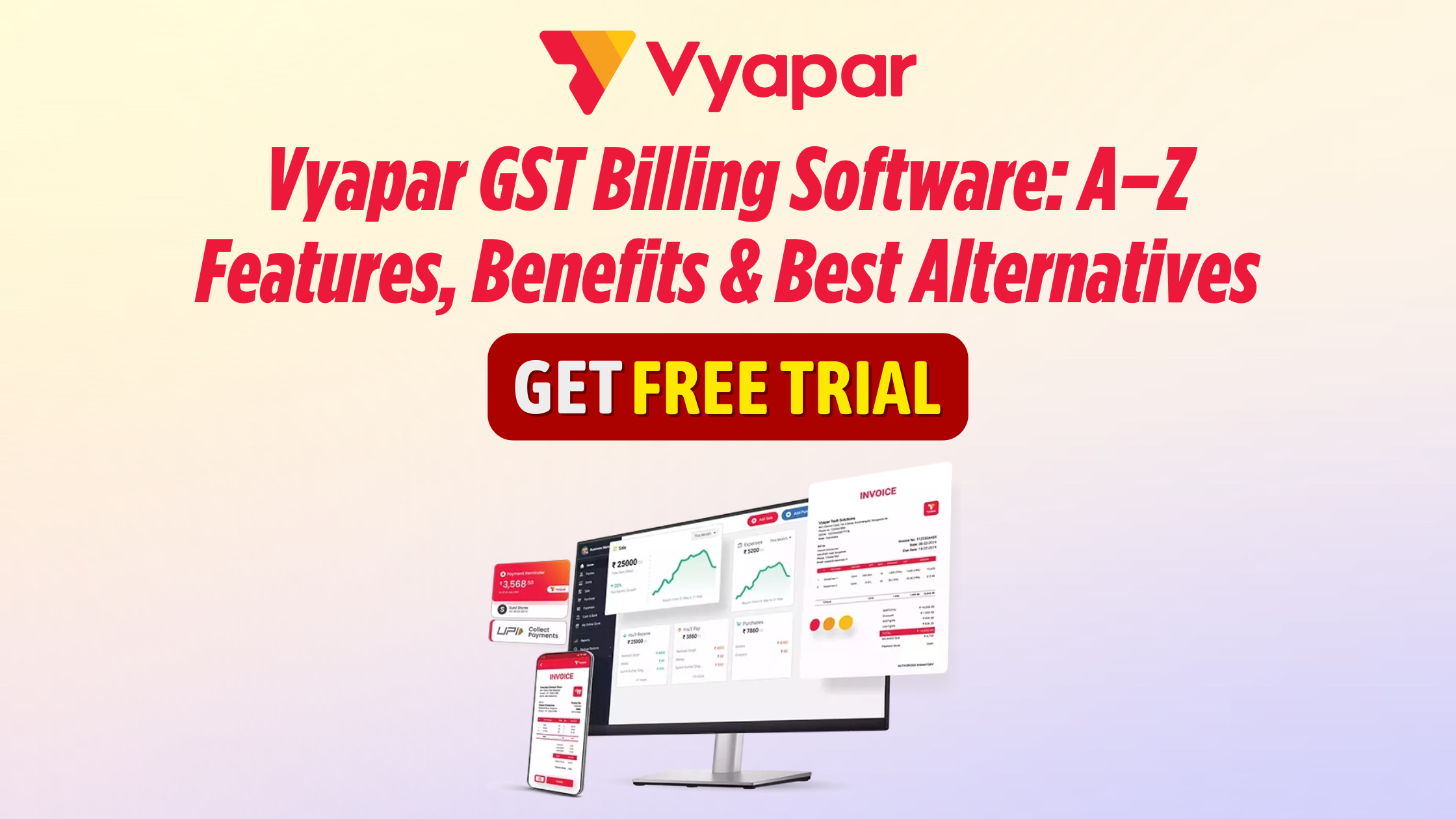
If you’re running a small business in India, GST billing isn’t just “printing an invoice”—it’s inventory, payments, e-invoicing readiness, customer ledgers, GST reports, and smooth cashflow. Vyapar GST billing software is widely used by retailers, wholesalers, distributors, service providers, and manufacturers who want faster billing + simplified accounting in one place.
1) What is Vyapar GST Billing Software?
Vyapar is a business billing and invoicing software designed to help businesses create GST invoices, manage inventory, track payments, manage customers & suppliers, and generate business reports.
It’s commonly searched using keywords like:
- Vyapar GST Billing Software
- Vyapar Billing App
- vyapar invoice software
- Vyapar GST invoice format
- Best Billing Software for Small Businesses in India
- gst billing software with inventory
2) Who should use Vyapar GST Billing Software?
Vyapar is typically a good fit for:
- Retail shops (kirana, garments, electronics, stationery, pharmacy*)
- Wholesalers & distributors
- Service businesses (repair centers, agencies, consultants)
- Small manufacturers
- Multi-branch businesses (depending on plan/features)
*Industry-specific requirements (like pharma batch/expiry) may need careful feature-checking.
3) Vyapar Billing Software Features A–Z (Full A-Z Definition)
Here’s an A–Z list you can use as a complete “feature glossary” inside your blog.
A — Accounts & Aging
Track receivables/payables, outstanding aging, and due-date reminders.
B — Barcode Billing
Barcode scan + fast billing for retail counters (where supported).
C — Customer Management (CRM-lite)
Customer ledger, purchase history, balances, and follow-ups.
D — Delivery Challan
Create delivery challans, convert to an invoice later.
E — E-Way Bill & E-Invoice (GST compliance)
Useful for GST workflows (availability depends on version/plan and rules).
F — GST Filing Reports
GST-ready reports like sales/purchase summaries, tax breakup, etc.
G — GST Invoice Formats
Custom invoice templates, GSTIN fields, HSN/SAC, tax rates.
H — HSN/SAC Management
Store items/services with HSN/SAC mapping for accurate GST.
I — Inventory Tracking
Stock in/out, low stock alerts, item-wise profitability.
J — Job Work / Work Orders (if applicable)
Useful for small manufacturing/service workflows.
K — KPI Reports
Sales trends, best-selling items, profit overview.
L — Ledger & Party Statement
Customer/supplier statements, balances, transaction history.
M — Multi-User / Staff Access
Staff roles, billing counter access control (plan dependent).
N — Notes & Terms
Add payment terms, bank details, UPI QR, and warranty notes.
O — Online/Offline Billing
Many businesses prefer offline-first billing for reliability.
P — Purchase Management
Purchase bills, supplier entries, and purchase returns.
Q — Quotation & Proforma Invoice
Quotations to invoices to simplify the order lifecycle.
R — Returns & Credit Notes
Sales return, purchase return, adjustments.
S — Stock, SKU & Variants
Item codes, categories, units, price lists (varies by setup).
T — Transaction Control
Discount controls, tax controls, invoice series, and audit trails (where supported).
U — UPI/Payment Tracking
Record payments received, due reminders, and settlement tracking.
V — VAT/GST Compliance Support
Built around Indian invoicing & tax workflow.
W — WhatsApp/Share Invoices
Send invoice PDF/print/share instantly.
X — Excel Import/Export
Bulk import items/parties, export reports.
Y — Year-End Reports
Yearly sales/profit views for planning.
Z — Zero Confusion Billing
Simple UI with fewer accounting complexities for non-accountants.
4) Billing & GST: What you can do with Vyapar Software
A typical GST billing workflow includes:
- Create GST tax invoice (CGST/SGST/IGST)
- Add HSN/SAC and tax rates
- Auto-calculate totals and taxes
- Print/share invoice PDF
- Track payment status (paid/partial/due)
- Generate GST reports for review and filing assistance
5) Inventory + Barcode + POS Workflows
If you sell physical products, billing alone isn’t enough. You need inventory tied to invoices.
Common workflows:
- Barcode scan → invoice → stock reduces automatically
- Purchase entry → stock increases
- Low stock alerts → reorder planning
- Batch-wise tracking (if supported) → expiry control for certain businesses
This is where GST billing software with inventory becomes crucial—especially for fast-moving retail.
6) Accounting, Reports, and Business Insights
Vyapar-style billing systems typically help you generate:
- Daily/weekly/monthly sales reports
- Item-wise profit analysis
- Party-wise outstanding and collections
- Purchase vs sales comparison
- Tax summary views for GST review
For owners, these reports reduce dependency on manual registers and help make better purchase/stock decisions.
7) How to choose the right billing software (Quick checklist)
Use this section as an SEO-friendly decision guide:
Must-have checks
- GST invoice formats + tax calculations
- Inventory + purchase + sales return
- Works offline/online as per your needs
- Reports export (PDF/Excel)
- Data backup + restore
If you’re growing
- Multi-user/staff roles
- Multi-branch support
- Barcode + POS speed
- Integration options (e-invoice/e-way bill/accounting tools)
8) Vyapar Software vs Other Billing Software
Below is a practical feature comparison (general comparison—features vary by plan/version and may change).
Feature / Criteria | Vyapar | Tally (e.g., TallyPrime) | Zoho Books | Marg ERP | Busy |
Best for | Small business billing + inventory | Accounting-heavy businesses | Cloud accounting + compliance | Retail/Distribution ERP | SMB accounting + inventory |
Ease of use | High | Medium | High | Medium | Medium |
GST Invoicing | Yes | Yes | Yes | Yes | Yes |
Inventory | Yes | Yes | Limited/Moderate (depends) | Strong | Strong |
Barcode/POS | Often supported | Via setups/add-ons | Via integrations/add-ons | Strong | Supported |
Offline billing | Often | Yes | Mostly cloud-first | Often | Yes |
Cloud access | Plan-dependent | Depends on setup | Strong | Plan-dependent | Depends on setup |
Multi-user | Plan-dependent | Strong (licenses) | Strong | Strong | Strong |
Best if you want | Fast billing + simple tracking | Deep accounting & compliance | Anywhere access + automation | Strong retail ERP workflows | Balanced accounting + inventory |

9) Pros & Cons (Balanced & Trust-building)
Pros:
- Simple billing experience for non-accountants
- Inventory + GST billing in one flow
- Great for shops needing fast invoicing
- Helpful reports for collections & stock control
Cons:
- Advanced accounting/complex compliance may be better served by accounting-first tools (depending on your business needs)
- Some features vary by plan/version (always confirm before purchase)
- Large enterprises may need deeper ERP integrations
10) FAQs about Vyapar App
Q1. Is Vyapar software good for GST billing?
Yes—Vyapar is commonly used for GST invoices with HSN/SAC and tax calculations, along with inventory and payment tracking.
Q2. Can I use Vyapar app/software for inventory + barcode billing?
Many businesses use it for inventory-based billing and barcode-style workflows (confirm barcode/POS compatibility for your setup).
Q3. Vyapar Software vs Tally: which is better?
If you need simple billing + inventory, Vyapar is often easier. If you need deep accounting and complex compliance, Tally-style tools can be better.
Q4. Is Vyapar app suitable for service businesses?
Yes—service businesses can use it for invoices, customer ledgers, and payment tracking (SAC code support is important).
Q5. Does Vyapar work offline?
Offline capability depends on the platform/version; many users prefer offline-first billing for shop counters.
11) Final Verdict
If your priority is fast GST billing + inventory + payment tracking without heavy accounting complexity, Vyapar GST billing software is a strong choice for many Indian SMBs. If your business needs advanced accounting, audit-heavy workflows, or deep ERP integrations, consider comparing it with Tally/Zoho/Marg/Busy based on your exact requirements.
12) Vyapar Support & Customer Help
Reliable customer support is a crucial factor when choosing any GST billing software, especially for businesses that depend on uninterrupted billing and compliance.
Vyapar Customer Support & Assistance
Vyapar provides customer assistance for:
- GST billing & invoice setup
- Software installation & initial configuration
- Data backup & restore guidance
- Inventory & barcode billing issues
- Report generation & troubleshooting
- Premium plan & feature-related queries
📞 Vyapar Support & Customer Care Number
For direct assistance, users can contact:
📱 Vyapar Customer Care / Support Number:
+91 7016273840
This support channel is useful for:
- New users needing onboarding help
- Existing users facing billing or GST-related issues
- Businesses looking for plan upgrades or feature clarification
Why good support matters in billing software
Having accessible customer support helps businesses:
- Avoid billing downtime
- Resolve GST or invoice errors quickly
- Ensure smooth day-to-day operations
- Maintain accurate financial records
When evaluating Vyapar billing software, support availability combined with ease of use makes it a practical option for many small and medium Indian businesses.